
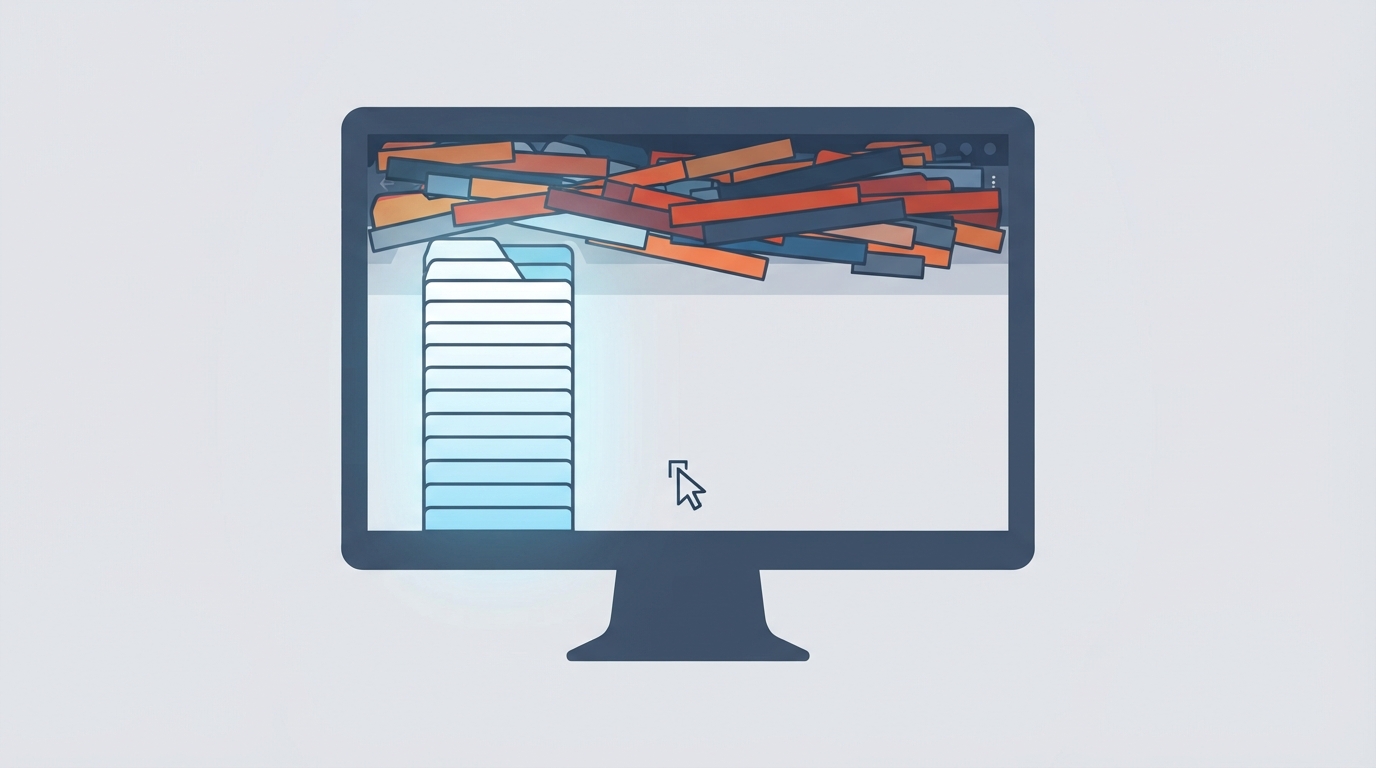
Chrome's native "Vertical tabs" feature began a staged rollout in August, and today it was officially announced as launched. Update to the latest version to use it.
If you usually keep dozens of tabs open, the "Horizontal tabs" experience is almost unusable, especially after "Tab groups" launched—you often have multiple tab groups open at once, and once there are slightly too many tabs, it becomes almost impossible to view.
Now you can right-click the top tab strip or an empty area and click "Show tabs vertically." The tabs will then appear on the left side of the browser window, while the top becomes narrower, effectively adding dozens of px of window height.
Main features of Vertical tabs include:
- Resize the width freely; even with a large number of tabs, you can still see page titles
- The tabs pane can be collapsed, at which point it shows only webpage icons
- Supports tab search, which shows tabs open in all windows as well as recently closed tabs
Now, with twenty or thirty pages open on my monitor, the Vertical tabs pane never shows a scrollbar, and the experience is quite good.